Continuous mode
Hold a steady sound to maintain height. Get louder to climb and ease off to descend.
 Voice Bird: Shout to Fly
Hum, talk or whistle to guide a bird through gaps. The game measures loudness on your phone and adjusts to the room each round.

Choose between a continuous volume control and a classic flap triggered by sound.
Hold a steady sound to maintain height. Get louder to climb and ease off to descend.
A sound above the threshold becomes a single flap. Time it before each gap.
The game measures the background level before a round so the threshold adapts to your room.
Adjust the sensitivity to the room. Gameplay uses visual and haptic feedback so speaker audio does not interfere with the microphone.
Compare your runs and use Game Center leaderboards if enabled.
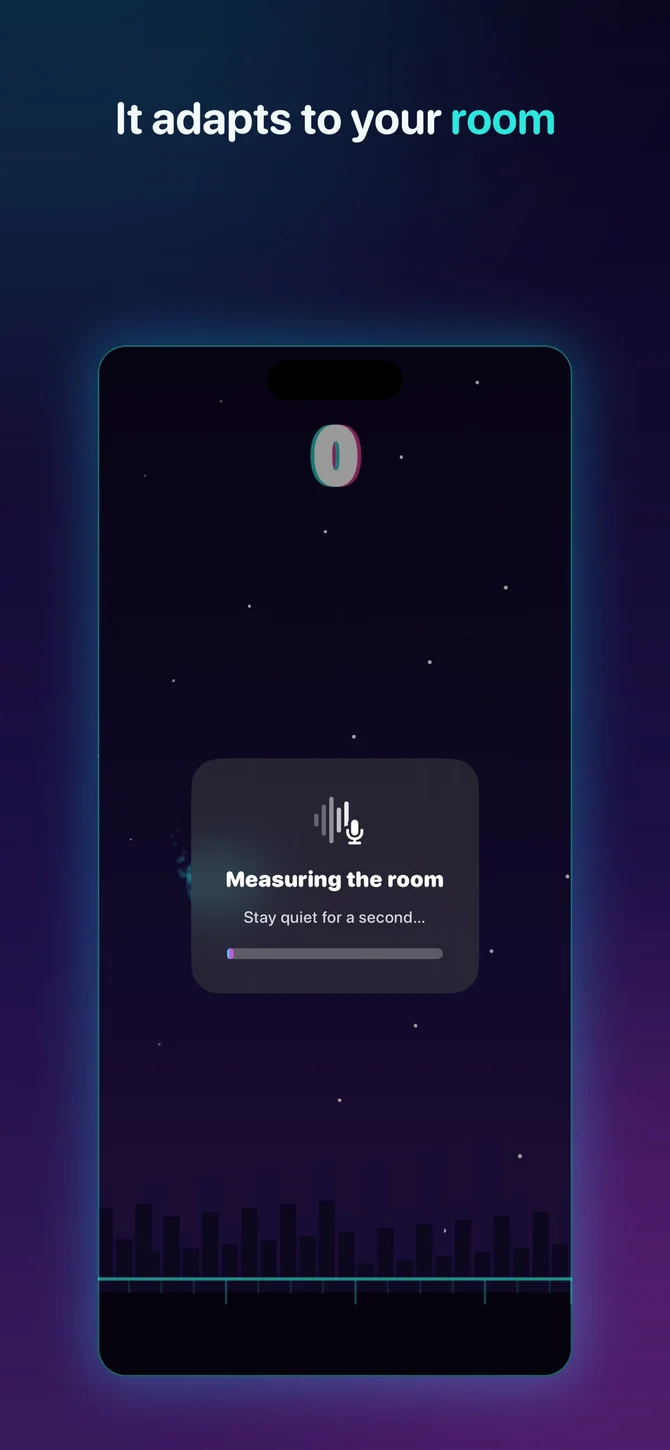


The microphone supplies the volume signal for flight.
Start the round and give the game a moment to measure the room.
Use your voice in rhythm and adjust sensitivity if it feels too easy or difficult.
A hum, whistle, or a steady spoken sound can work, depending on the room and sensitivity.
The game reduces the microphone input to a loudness signal while playing. It does not make an audio recording.
After starting a run, sound controls the bird.
Set the sensitivity and see how far your voice can take you.